
Ransomware Protection for Git Repositories
Immutable backups, real-time alerts, and air-gapped storage, so your source code survives a ransomware attack even when everything else doesn’t.
50k+
Repos Protected
99.9%
Uptime SLA
24/7
Support
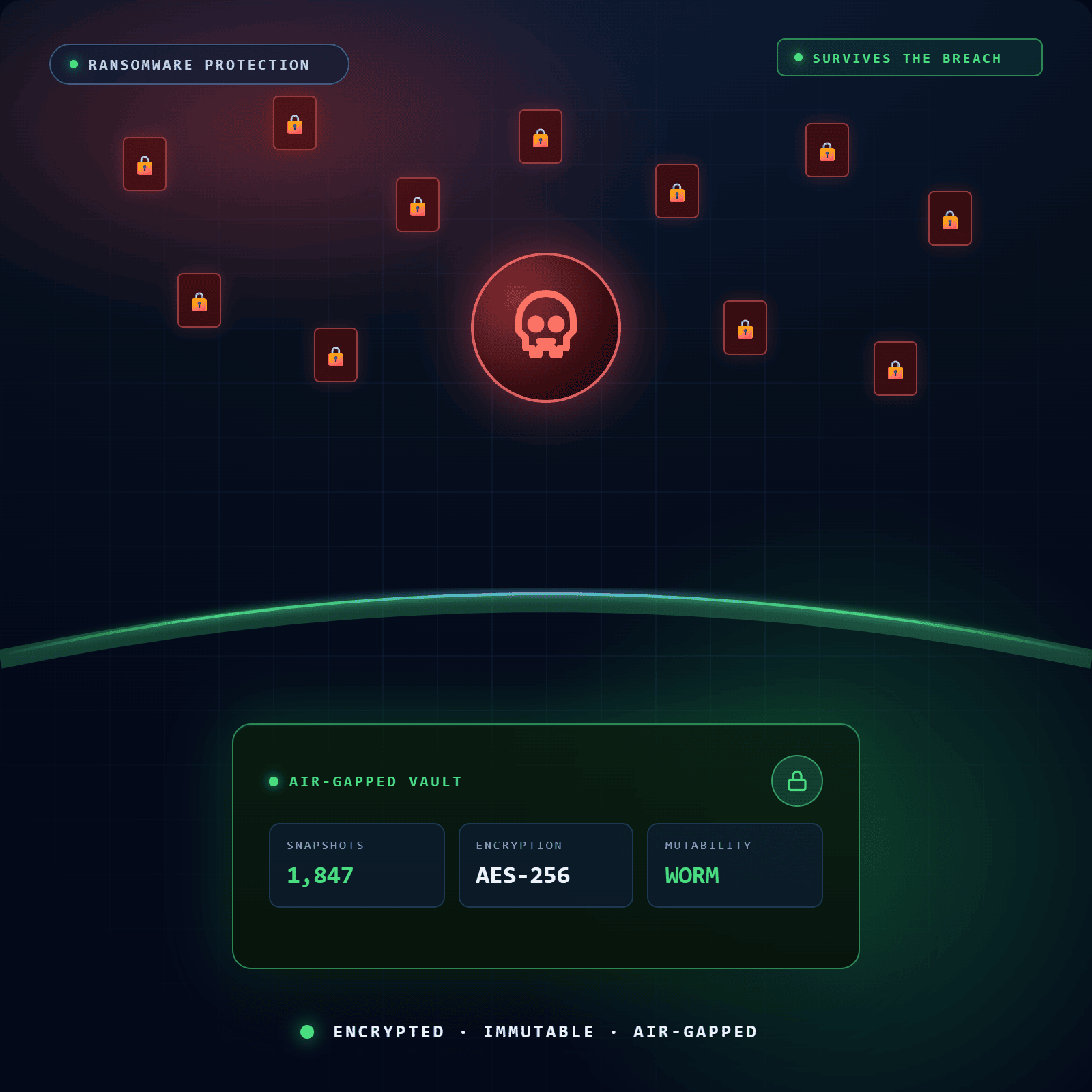
Your Source Code Is a Ransomware Target. Here’s Why.
Most DevOps teams think of ransomware as a problem for file servers and databases. But attackers have shifted focus. A compromised GitHub account gives a threat actor the ability to delete repositories, overwrite branches, and destroy years of commit history — often irreversibly.
The data loss from a ransomware attack on a Git environment isn’t just code. It’s the entire development lifecycle: pull requests, issue threads, review comments, release history. For a DevOps team under attack, the production environment goes dark and the source code needed to rebuild it is gone.
Git Ransomware Attacks Are Real and Growing
In documented Git ransomware incidents, attackers have gained access to repositories, wiped the content, and left ransom notes in the README. They exploit weak access controls, stolen tokens, and compromised CI/CD credentials. GitHub’s platform security protects the infrastructure, it does not protect your data from actions taken by authenticated users.
Human Error Creates the Same Result
Ransomware-specific attacks aren’t the only risk. A developer with admin access who runs the wrong command, a misconfigured automation script, or an accidental git push –force can cause data loss indistinguishable from a malicious attack. Ransomware protection for DevOps must account for human error as well as external threats.
Ransomware-Ready Backup and Recovery Architecture
Separate Apps for Backup and Restore
GitSec uses two completely separate GitHub Apps with different permission scopes:
- Backup App: Read-only. Accesses your repositories to create backups. Cannot write, delete, or modify anything.
- Restore App: Read and write. Installed on-demand only when you initiate a restore. Operates on the target organisation, not the source.
This separation follows the principle of least privilege. The credentials used for ongoing backup operations can never be exploited to modify your repositories. A compromised Backup App token gives an attacker read access to backup metadata, not the ability to destroy or encrypt your data.
Your Storage Options, Built for DevOps Teams
| Storage Option | Supported |
GitSec Managed (EU / US regions) | ✅ Active |
AWS S3 | ✅ Active |
Azure Blob Storage | ✅ Active |
Google Drive | ✅ Active |
OneDrive Personal | ✅ Active |
Huawei OBS | ✅ Active |
OneDrive Business | 🕐 Coming Soon |
Every storage destination is isolated from your GitHub credentials. For teams in regulated industries, BYOS lets you keep backup data within your own cloud infrastructure and audit boundary, fully GDPR compliant with EU and US data residency options.
What Gets Protected — Your Entire Development Story
A ransomware attack on a Git environment doesn’t just destroy code. It destroys context. GitSec backs up the complete development record, not just the source files.
| Scope | Status |
|---|---|
| Code & Commits (all branches, tags, full history) | ✅ Active |
Pull Requests (including review comments) | ✅ Active |
Issues (labels, assignees, comments) | ✅ Active |
Wiki Pages | 🕐 Coming Soon |
Projects | 🕐 Coming Soon |
Releases | 🕐 Coming Soon |
Backup triggers for ransomware-critical environments:
- Push Event Backups — A backup fires every time code is pushed. Your Recovery Point Objective (RPO) drops to near-zero for active repositories.
- Scheduled Backups — Minutely, hourly, daily, weekly, monthly, or custom CRON. Set the frequency that matches your risk tolerance.
- On-Demand Backups — Trigger a backup manually at any time — before a major deployment, after an incident, or as part of a compliance workflow.
How It Protects
How GitSec Delivers Ransomware Protection for Git
GitSec protects your repositories through four layers of ransomware-specific defence. Each layer is independent, so even if one is bypassed, the others hold.
Immutable Backups
Every GitSec backup snapshot is immutable. Once created, it cannot be modified, overwritten, or deleted by anyone. Each snapshot is validated with SHA-256 checksums on creation and verified again before every restore, giving you a clean, confirmed copy of your source code that exists entirely outside the reach of any attack.
Air-Gapped Storage
GitSec’s Backup App connects to GitHub using read-only permissions, meaning an attacker who fully compromises your GitHub organisation has no path to your backups through those credentials. The same isolation applies to BYOS destinations — whether you store backups in AWS S3, Azure Blob Storage, Google Drive, OneDrive, or Huawei OBS, a compromised GitHub account cannot reach them through GitSec.
Real-Time Alerts
GitSec monitors backup activity and notifies your team in real time when deletion events, backup failures, or anomalous activity are detected. Account activity monitoring provides a full audit trail of every action across your backup environment, giving you early visibility before the damage compounds.
Point-in-Time Recovery
GitSec stores a full history of immutable snapshots for every repository, so you can identify the last clean version of your source code and restore from that exact point in time. The four-step Restore Wizard guides your team through the process: select the target organisation, choose the backup snapshot, configure a new target repository, and confirm.
Separate Backup and Restore Apps
GitSec uses two completely separate apps with different permission scopes. The Backup App is strictly read-only and can never write to, delete, or modify your repositories. The Restore App, which requires write access, is installed on demand only when a restore is initiated. This means the credentials running your ongoing backups cannot be exploited to destroy your data, even if they are compromised.
Push Event Backups
Every time code is pushed to a repository, GitSec automatically triggers a backup. This brings your Recovery Point Objective as close to zero as possible, ensuring that even in a ransomware scenario where your repository is wiped minutes after your last commit, a clean and verified snapshot already exists in isolated storage.
Ransomware Protection for DevOps Teams of Every Size
Ransomware attacks on Git environments do not discriminate by team size or industry. Any organisation that stores source code, development history, or CI/CD configuration in a Git repository is a potential target. GitSec is built for every team that cannot afford to lose what they have built.
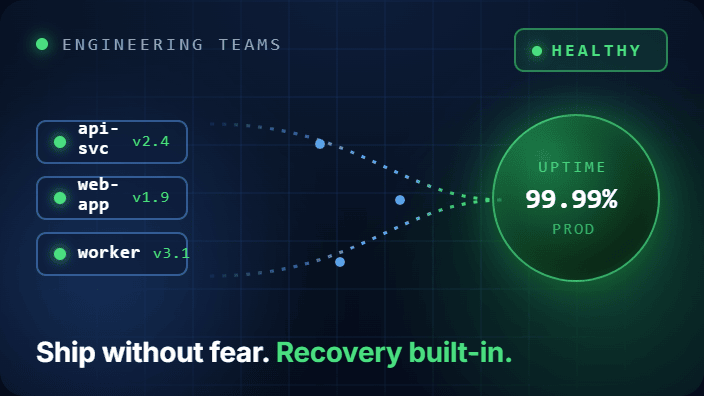
Engineering Teams Running Production Services
For any DevOps team where the Git repository is the upstream source of truth for a production environment, a ransomware attack on your repositories is a production incident. GitSec’s immutable backups and point-in-time recovery give your team a clean rollback path that doesn’t depend on your Git provider’s availability or the integrity of your connected environment.
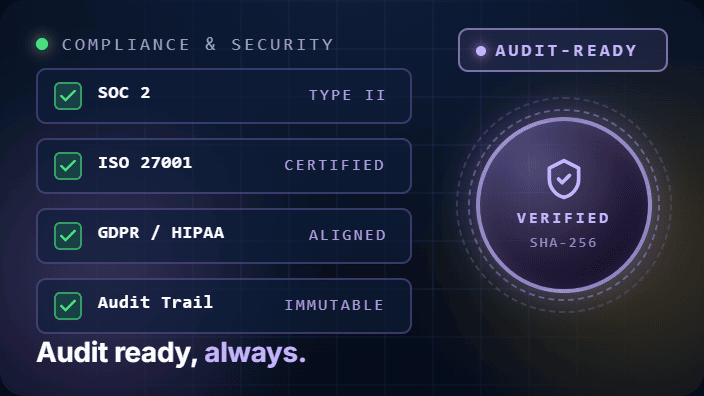
Compliance and Security Teams
Data security frameworks increasingly require demonstrable controls around ransomware resilience. GDPR mandates that organisations protect personal data against destruction, including data stored in development environments. GitSec’s GDPR-compliant infrastructure, audit logs, and verifiable backup integrity support your compliance posture without adding operational overhead to your DevOps team.
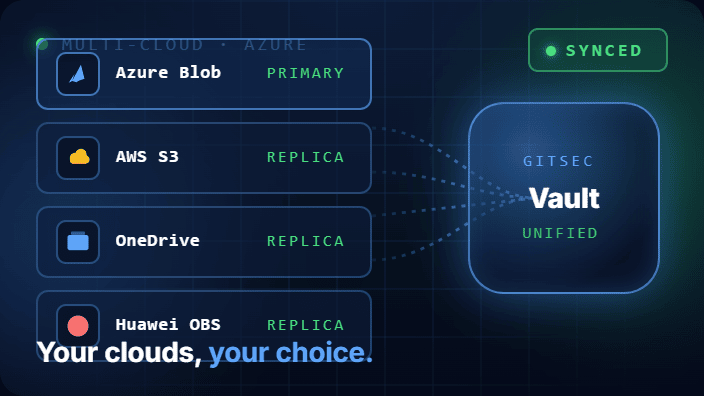
Teams Using Azure Blob Storage and Multi-Cloud Environments
DevOps teams running workloads across AWS, Azure, and multi-cloud environments can direct GitSec backups to their existing cloud storage infrastructure. Azure Blob Storage, AWS S3, and Huawei OBS are all supported as BYOS destinations, so your backup and recovery architecture fits into your existing cloud governance model, not the other way around.
Process
Set Up Ransomware Protection for Your Git Repositories
in 3 Steps
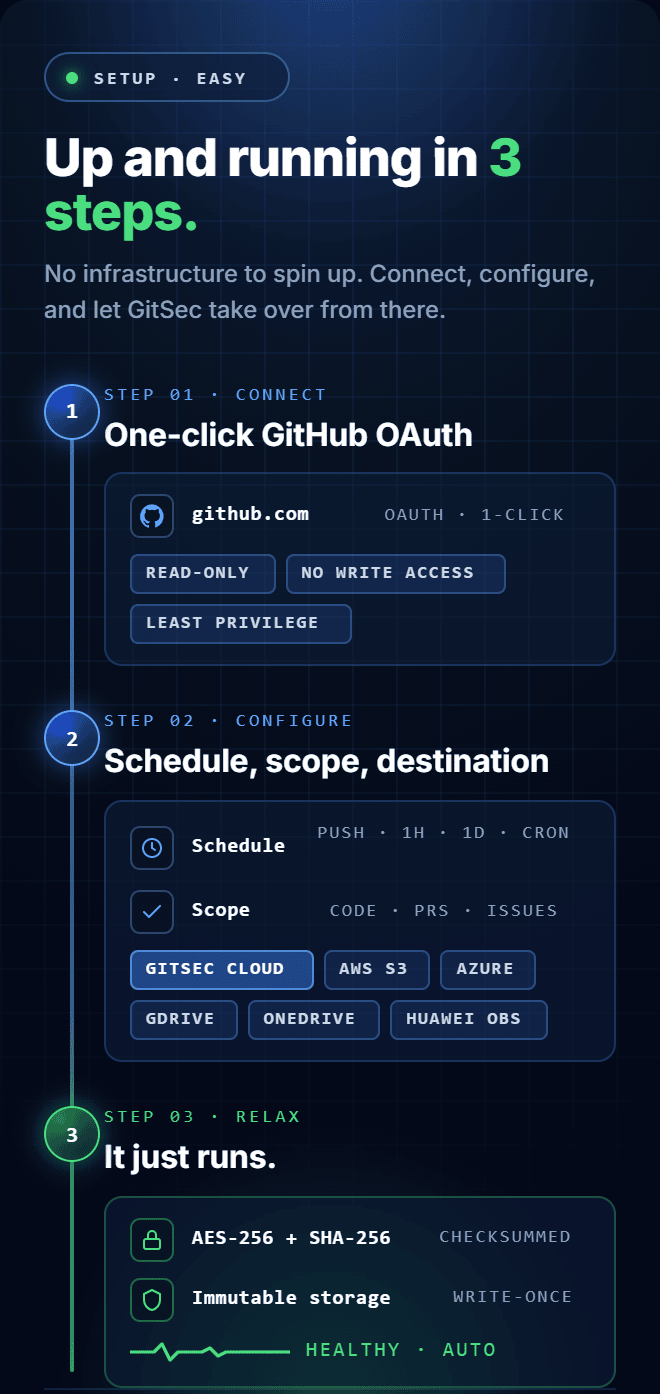
Step 1 — Connect Your GitHub Account
GitSec connects via OAuth using read-only permissions. No write access is granted to your repositories during setup. Your source code is never exposed unencrypted.
Step 2 — Configure Your Backup Strategy
Choose your backup frequency (push events for critical repos, scheduled for others), select your data scopes, and configure your storage destination. Use multi-storage mode to send every backup to both GitSec’s managed infrastructure and your own cloud bucket simultaneously.
Step 3 — Monitor and Recover with Confidence
Real-time alerts notify your team of any backup failures or anomalous activity. The full backup history is available in the dashboard. When you need to recover, the Restore Wizard guides you through point-in-time recovery to a new or existing repository in four steps.
Frequently Asked Questions
Got Questions? We’ve Got Answers
Everything you need to know about protecting your repositories with GitSec
Can a ransomware attacker who compromises our GitHub account delete our GitSec backups?
No. GitSec’s Backup App uses read-only permissions and is architecturally isolated from your GitHub credentials. An attacker with full access to your GitHub organisation has no path to your GitSec backup storage through those credentials. If you use BYOS, your external storage bucket is equally unreachable from a compromised GitHub account.
What is the difference between ransomware protection and standard backup?
Standard backups create copies of your data. Ransomware protection adds three additional layers: immutability (snapshots that cannot be modified or deleted after creation), isolation (backup storage that is unreachable from the compromised environment), and detection (real-time alerts that notify your team before the damage spreads). GitSec provides all three.
How quickly can we recover after a ransomware attack?
Recovery time depends on repository size and the number of snapshots being restored. The Restore Wizard is a four-step guided process — select target organisation, choose backup snapshot, configure target repository, confirm. You can restore to a new, clean GitHub organisation immediately, keeping the recovered environment separate from the compromised one.
Which backup triggers minimise data loss during a ransomware attack?
Push event backups offer the lowest Recovery Point Objective (RPO) — a backup fires on every git push, meaning your last clean snapshot is as recent as your last commit. For critical repositories in active development, this is the recommended configuration.
Is GitSec compliant with GDPR data protection requirements?
Yes. GitSec is GDPR compliant with data residency options in the EU and US. BYOS lets you keep all backup data within your own cloud infrastructure and jurisdiction, supporting your organisation’s data sovereignty requirements.
Everything! We back up all branches, tags, commit history, issues, pull requests, code reviews, wiki pages, release notes, and even Git LFS files. Your entire development story is protected, not just the code.
Don’t Wait for a Ransomware Attack to Find Out You Needed This.
Your source code took years to build. Losing it to a ransomware attack (or a single accidental deletion) is a business continuity failure that GitSec is designed to prevent.
Immutable backups. Air-gapped storage. Real-time alerts. Point-in-time recovery. Set up in under five minutes.
