
Your Git Repos Deserve Better Than Luck.
Automated, encrypted, and verifiable backups for GitHub and Bitbucket. Back Them Up in Minutes.
50k+
Repos Protected
99.9%
Uptime SLA
24/7
Support
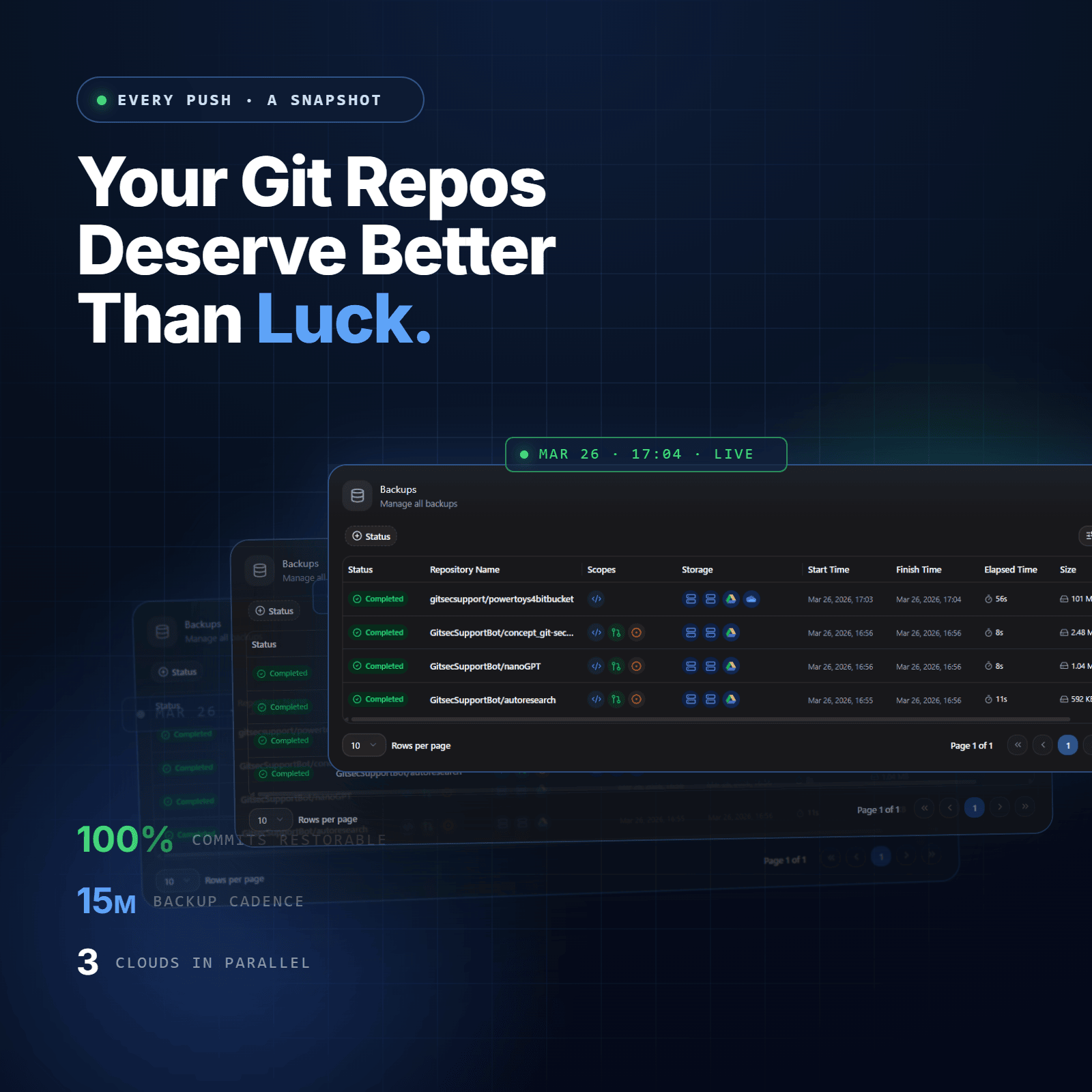
Why Git Backup Is Not Optional?
Most developers assume GitHub or other Git platforms keep their code safe. They do, but not in the way you think. GitHub’s infrastructure is highly reliable, but that reliability doesn’t extend to your data. Under the GitHub Shared Responsibility Model, protecting individual repository data is explicitly the user’s responsibility.
What GitHub Covers and What It Doesn’t
GitHub maintains the availability of its platform. It does not create user-accessible backups of individual repositories. In GitHub’s own terms of service, they state they are not responsible for data lost, altered, or deleted by users. Third-party backup tools are explicitly recommended by GitHub’s documentation as the correct solution.
In practice, if you accidentally delete a branch, force-push over critical history, or lose access to your account, GitHub will not restore it for you.
The Real Cost of an Hour of Downtime
A single hour of lost access to your codebase costs more than most teams realise. Consider a team of five engineers each billing at $100/hour, that’s $500 in direct productivity loss before a single line of code is written. Add blocked deployments, missed sprint commitments, and the compliance implications for regulated teams, and the cost climbs fast.
The March 2022 GitHub outage lasted over four hours and affected millions of repositories worldwide.
The 4 Threats You Can’t Afford to Ignore
- Outages. GitHub has experienced multiple platform-wide incidents, including the March 2022 outage that disrupted CI/CD pipelines globally. You can’t control when they happen.
- Human error. A force push, an accidental git push –delete, or a mistakenly merged PR can wipe history that took months to build. This is the most common cause of data loss in version control systems.
- Ransomware and account compromise. Attackers with access to a GitHub account can delete repositories, overwrite branches, or lock out legitimate users. Without an external backup, recovery is impossible.
- Sudden access loss. Vendor lock-outs, enterprise policy changes, or suspended accounts can cut off access to your entire codebase in seconds.
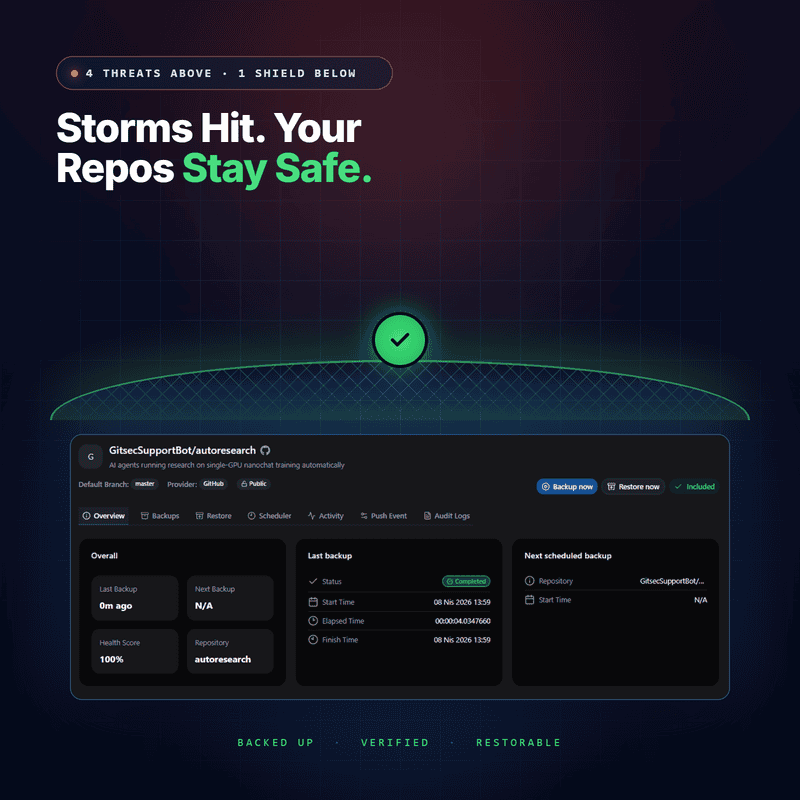
Real-World Incidents That Changed How Teams Think About Backups
These aren’t hypotheticals. In 2022, GitHub suffered a platform-wide degradation that blocked millions of developers from pushing code, running CI pipelines, and accessing repositories for hours. The same year, a Dropbox breach exposed the limits of trusting any single provider with your data. And in 2017, a GitLab sysadmin accidentally deleted a production database containing data for 73 million users — a reminder that even the engineers running the platforms make irreversible mistakes.
If it happened to them, it can happen to you. The question isn’t whether you’ll need a backup. It’s whether you’ll have one.
What GitSec Backs Up and What Competitors Miss
A bare git clone captures your code. GitSec captures your entire development story, the context, decisions, and collaboration that made your project what it is.
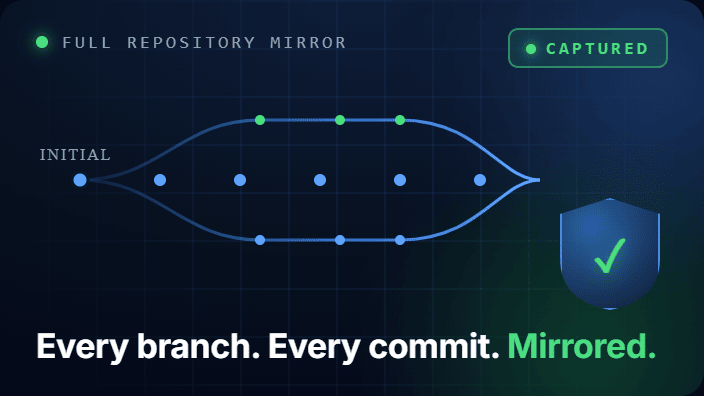
Repositories, Code, Branches, Tags, and Full Commit History
Every branch. Every tag. Every commit, going back to the first line of code your team ever wrote. GitSec captures the full repository mirror, not just a snapshot of main.
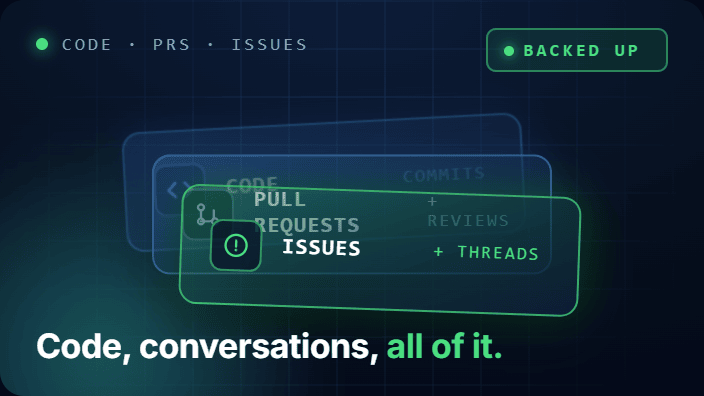
Metadata, Pull Requests, Issues, Comments, and Review Data
Code is the output. Pull requests and issues are the reasoning behind it. GitSec backs up open and closed PRs including review comments and approval data, plus GitHub Issues with labels, assignees, and comment threads.
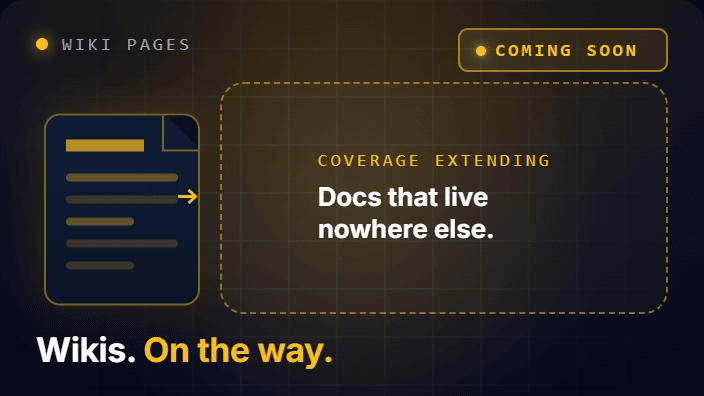
Wiki and Documentation
(Coming soon) Project wikis contain institutional knowledge that lives nowhere else. GitSec will extend backup coverage to wiki pages so your documentation history is as protected as your code.
GitHub Backup Methods Compared
Before choosing an approach, understand what each one actually captures — and what it quietly leaves behind.
Manual CLI Backup with git clone –mirror
Running git clone –mirror https://github.com/user/repo.git creates a bare repository that includes all branches, tags, and refs. It is the most complete code-level manual backup available.What it misses: pull requests, issues, comments, milestones, wikis, releases. If you restore from a mirror clone, your code history comes back, but the entire record of why decisions were made does not.
GitHub Actions Self-Hosted Automation
GitHub’s API lets you export repository data, and migration archives capture partial metadata. These approaches require ongoing scripting effort and return inconsistent results, migration archives are explicitly documented by GitHub as unsuitable for restore operations.
GitHub API and Migration Archives
GitHub’s API lets you export repository data, and migration archives capture partial metadata. These approaches require ongoing scripting effort and return inconsistent results, migration archives are explicitly documented by GitHub as unsuitable for restore operations.
Automated SaaS Backup — GitSec (Recommended)
GitSec handles authentication, scheduling, encryption, integrity verification, and restore — without any scripts to maintain. Connect your GitHub account via OAuth, configure your backup schedule, and GitSec runs silently in the background.
Process
How GitSec Backs Up GitHub
Set Up in 3 Steps
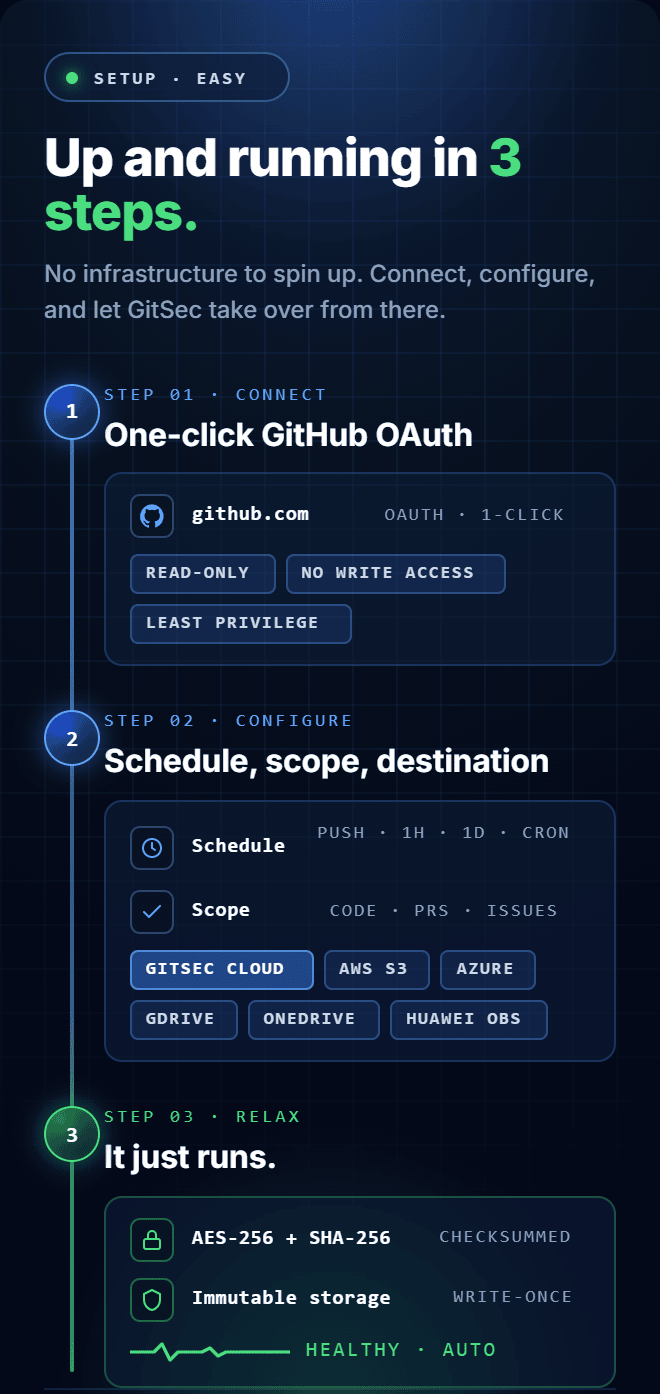
Step 1 — Connect
Link your GitHub account via OAuth in one click. GitSec uses a read-only app with minimal permissions, it reads your repositories to create backups, nothing more. Your code is never stored unencrypted, and GitSec never has write access to your repositories.
Step 2 — Configure
Choose your backup schedule: every push event, every hour, every day, or a custom CRON interval. Select which data to include — code and commits, pull requests, issues — and set your storage destination: GitSec’s managed infrastructure or your own AWS S3, Azure Blob, Google Drive, OneDrive, or Huawei OBS bucket.
Step 3 — Relax
Automated backups run silently in the background according to your schedule. Every snapshot is encrypted, checksummed with SHA-256, and stored immutably — once created, it cannot be modified. You’ll get alerts if anything needs attention. Otherwise, GitSec just works.
Git Backup & Restore
Automated Backups
Set a schedule (minutely, hourly, daily, weekly, monthly, or custom CRON) and backups run themselves. Or enable push event backups to trigger a backup every time code is pushed — ideal for active repositories where every commit matters.
Full Metadata Coverage
Code is only part of the picture. GitSec captures pull requests (including review comments and approval history) and GitHub Issues (with labels, assignees, and comment threads) — the complete record of your team’s decision-making.
Flexible Storage
Use GitSec’s managed storage in EU or US regions, or bring your own bucket. GitSec supports AWS S3, Azure Blob Storage, Google Drive, OneDrive, and Huawei OBS. For maximum redundancy, use multi-storage mode to send every backup to both destinations simultaneously.
Granular Scope Control
Not every repository needs a full backup every time. GitSec lets you choose exactly which data scopes to include, per repository, per scheduler. Back up code-only for archived projects, and full metadata for active ones.
Immutable Snapshots and Integrity Verification
Every backup snapshot is immutable, once created, it cannot be modified. Each upload is validated with SHA-256 checksums, and GitSec runs scheduled integrity checks automatically. Before any restore, checksums are validated again to ensure data has not been corrupted or tampered with.
Point-in-Time Recovery
Restore any snapshot from any point in time. Select the exact backup you need, choose whether to restore to a new or existing repository, and the Restore Wizard walks you through the rest in four guided steps.
Frequently Asked Questions
Got Questions? We’ve Got Answers
Everything you need to know about protecting your repositories with GitSec
Which Git providers does GitSec support?
GitSec currently supports GitHub and Bitbucket. GitLab support is coming soon.
How long does it take to set up GitSec?
Under 5 minutes. Connect your GitHub or Bitbucket account via OAuth, configure your backup schedule, and your repositories are protected. No scripts, no infrastructure, no technical setup required.
Can I try GitSec before committing to a plan?
Yes. GitSec offers a free plan so you can explore the platform and test your first backup before deciding on a paid plan. No commitment required.
Can I restore to a different repository or branch?
Yes! You can restore to any repository, branch, or even create a new repository. This gives you maximum flexibility for disaster recovery, testing, or migrating to a different organization.
Can I restore to a different repository or branch?
Yes! You can restore to any repository, branch, or even create a new repository. This gives you maximum flexibility for disaster recovery, testing, or migrating to a different organization.
How do you ensure backup integrity?
Every backup is validated with SHA-256 checksums on upload. We run scheduled integrity checks automatically and provide on-demand verification. Before any restore, we validate checksums to ensure data hasn’t been corrupted or tampered with.
What gets backed up besides code?
Everything! We back up all branches, tags, commit history, issues, pull requests, code reviews, wiki pages, release notes, and even Git LFS files. Your entire development story is protected, not just the code.
How does BYOS (Bring Your Own Storage) work?
Simply connect your AWS S3, Azure Blob Storage, or Google Cloud Storage account. We’ll encrypt and send backups directly to your storage. You own the data and maintain complete audit trails. You can even use dual-storage mode to send backups to both our infrastructure and yours for maximum redundancy.
Does GitSec have access to my source code?
No. We use secure OAuth tokens with minimal read permissions to access your repositories for backup purposes only. Your code is encrypted immediately and we never store unencrypted data.
Your Code Is Your Most Valuable Asset. Protect It Today.
Set up in under 5 minutes. No scripts. No infrastructure. Just reliable, automated backups that run silently while you build.
